



By feature
Best robotic pool cleaner with remote control: today that means a phone app.
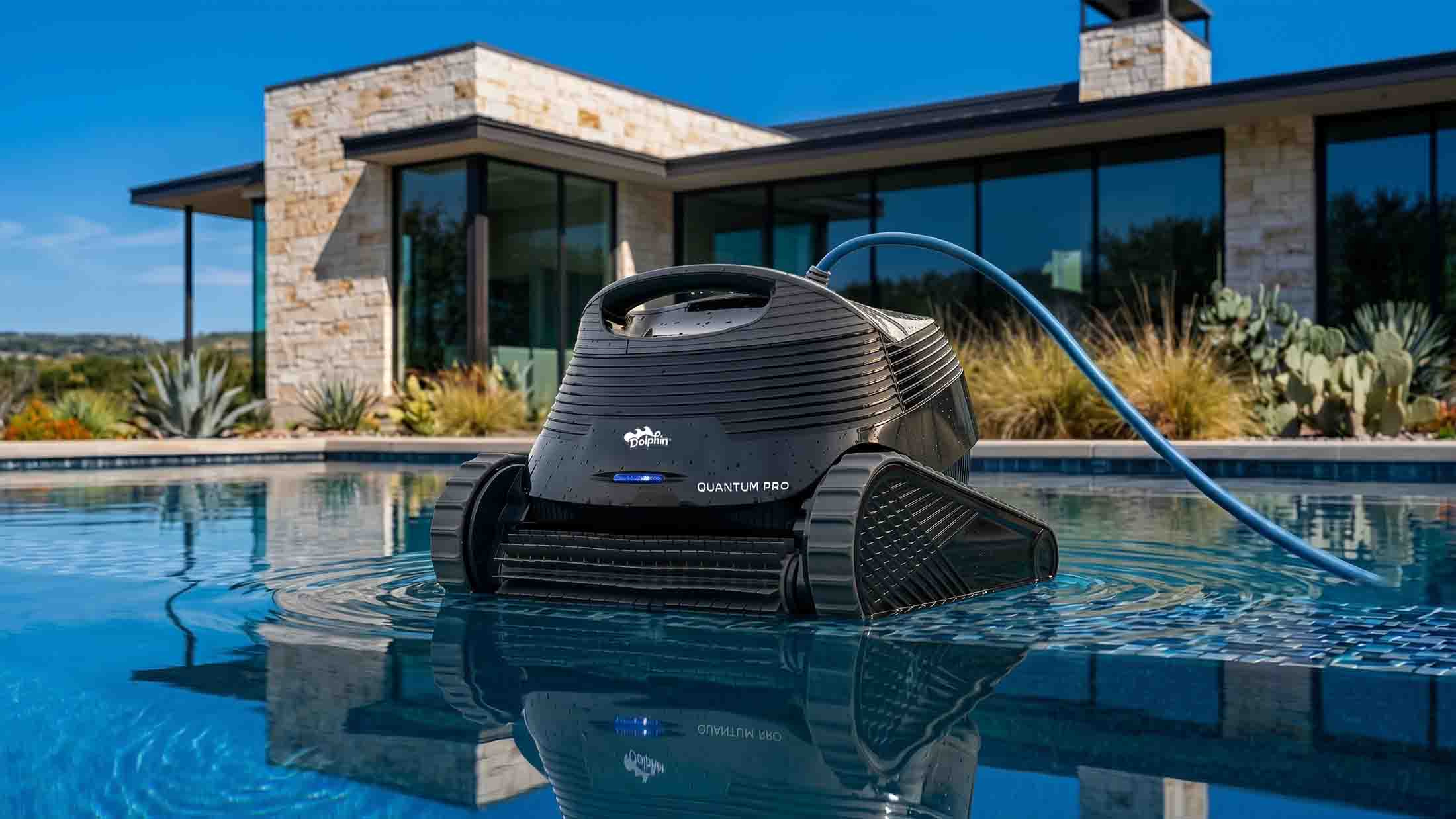
Top pick: Dolphin Quantum
Live prices · Ships free · 30 Day Trial
Two Dolphins you can start, stop and schedule from your phone, with a plain statement of what app control includes and what it does not.
The quick answer
The Dolphin Quantum is the pick for remote control from a phone: the myDolphin Plus app over Wi-Fi starts and stops it, schedules it, changes cleaning modes and sends alerts, and a timer on the power supply still works when the phone is elsewhere. Choose the Sigma if you want more ways to connect: Wi-Fi and Bluetooth, a scheduler by day and time, and Siri voice control.
Know this first
None of the robots on this page comes with a handheld remote, and neither app is described as offering joystick-style steering. Remote control here means starting, stopping, scheduling and choosing cleaning modes from a phone. If you want to drive a robot by hand around the pool, these are not that.
Ask for the best robotic pool cleaner with remote control and you may be picturing a handset with a joystick. None of the robots here has one. What is on offer is a phone app, and it is fair to say so before anything else.
That is less of a loss than it sounds. Think about what you would actually do with a remote: start a cycle without walking to the power supply, stop it when the kids want to swim, set it to run while you are at work, find out that the filter needs attention. An app does all of that. What it does not do, on these robots, is let you steer. Two of the five Dolphins compared at QuantumRobotic.com have an app, and this page ranks them and explains why the other three are left out.
The picks, ranked
Two app-controlled picks.
$1999$1599Save $400 off the list price
Temporarily out of stock
Pick 1: App control plus a timer that needs no phone
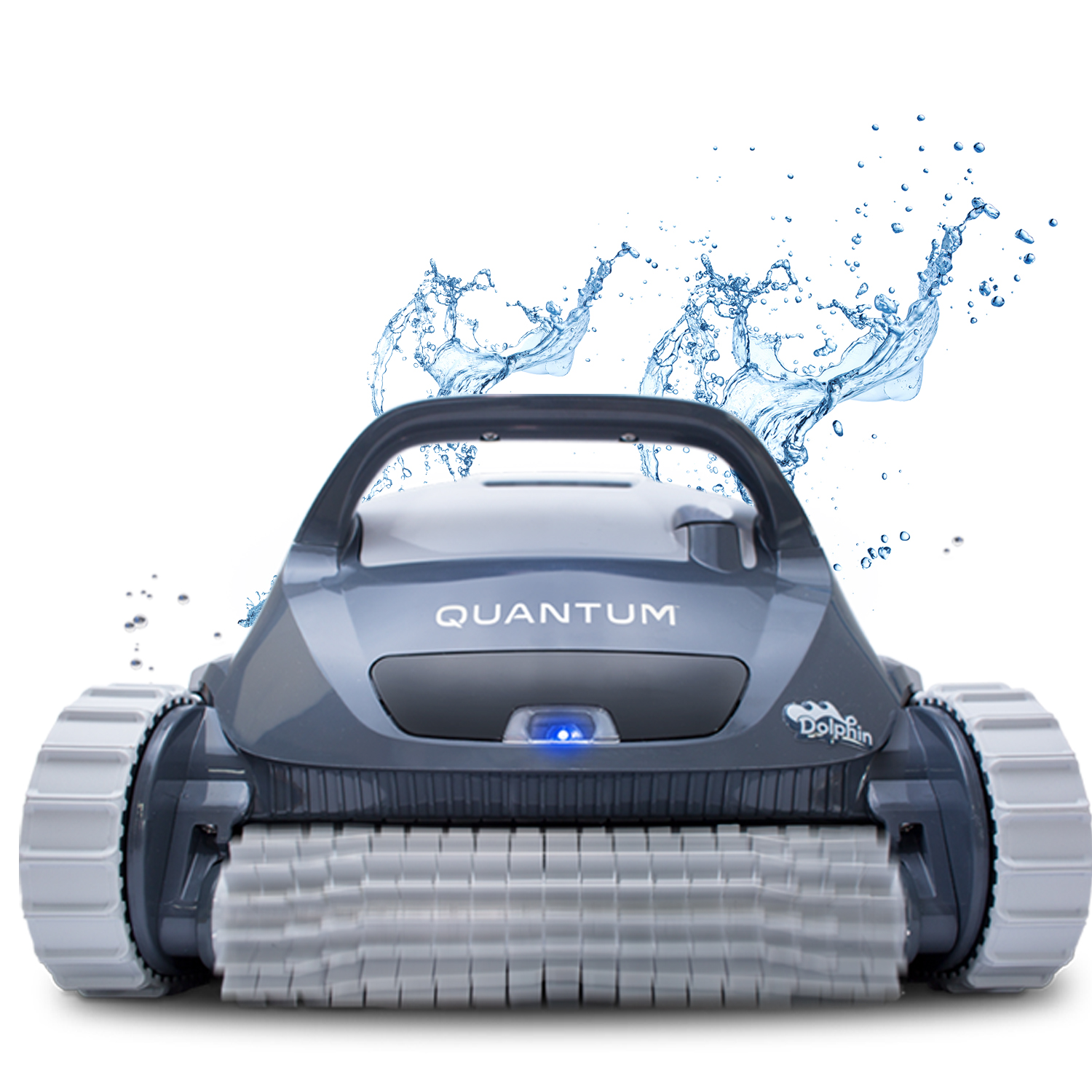
Dolphin Quantum
The Quantum connects to the myDolphin Plus app over Wi-Fi. From the phone you can start a cycle, stop one, set a schedule, choose a cleaning mode and receive alerts. That covers nearly everything a remote was ever used for, from the sofa instead of the pool deck.
What puts it first is the fallback. The power supply has its own weekly timer, every day, every 2 days or every 3 days, which runs with no phone and no Wi-Fi. So the app is a convenience on top of a robot that already looks after its own routine. It is also the lower-priced of the two picks, with a 2 hour cycle and coverage that includes the waterline, sun shelves and stairs.
- Best for
- Owners who want to start, stop and schedule from a phone without paying for the top model.
- The trade-off
- Wi-Fi only, with no Bluetooth or voice control listed, and no manual steering. The warranty is 2 years.
$2999$2349Save $650 off the list price
Temporarily out of stock
Pick 2: Wi-Fi, Bluetooth and Siri voice control
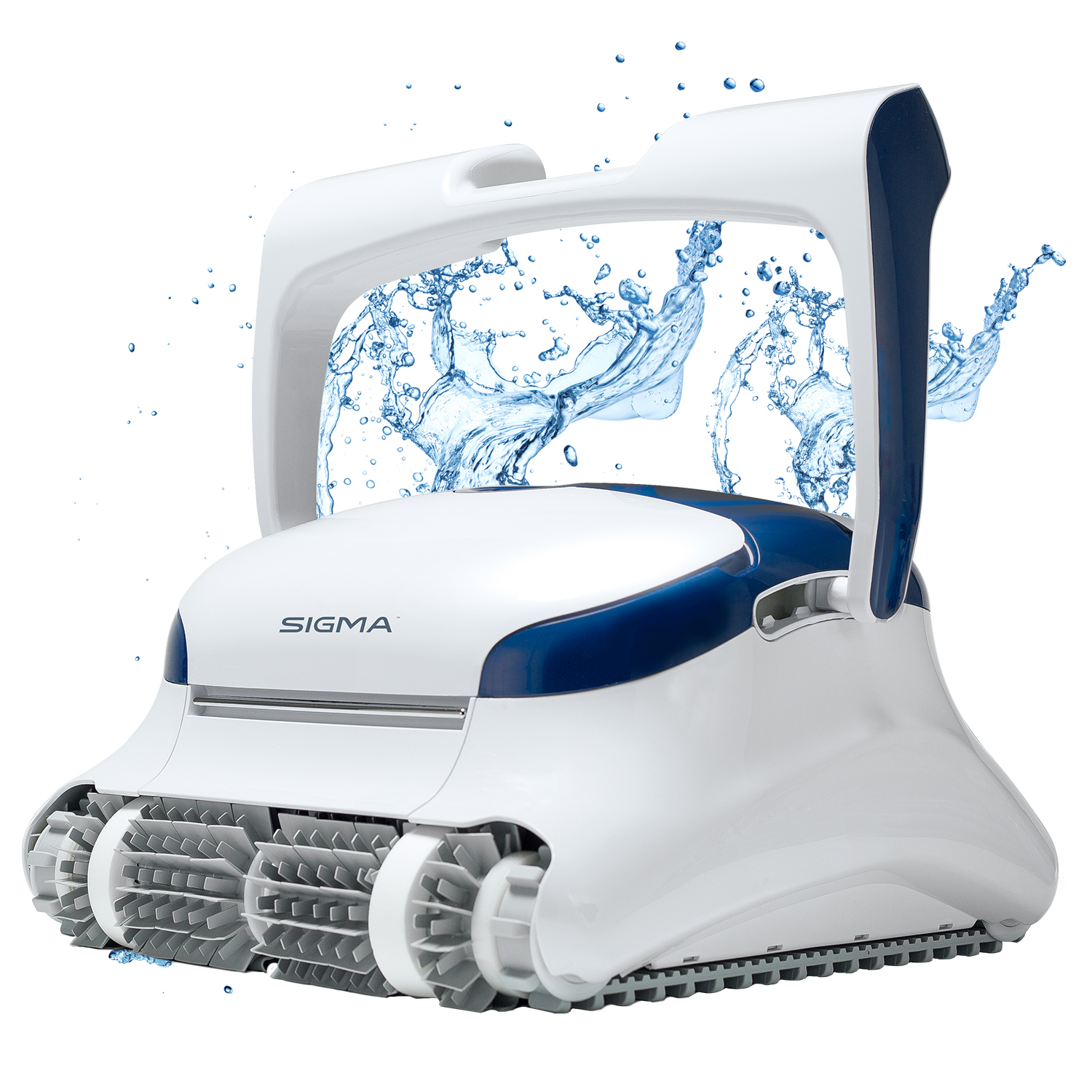
Dolphin Sigma
The Sigma's version of myDolphin Plus connects over both Wi-Fi and Bluetooth, schedules cleanings by day and time across the week, sends a filter alert when the cartridges need rinsing, and responds to Siri voice commands. If remote control to you means the most ways to reach the robot without touching it, this is the one.
Behind the app is the most equipped robot of the five Dolphins compared here: SmartNav 3.0 with a gyroscope, quad scrubbing brushes, three ProLine motors at 4,500 GPH and a 3 year warranty. It is second on this page because it is the highest-priced, and because the first pick's app already handles the everyday commands.
- Best for
- Owners who want Bluetooth as well as Wi-Fi, day-and-time scheduling and voice commands.
- The trade-off
- Highest price on the page, and its weekly schedule is set in the app. No manual steering is listed for it either.


Side by side
App control and scheduling compared.
| Specification | Dolphin Quantum | Dolphin Sigma |
|---|---|---|
| Price today | $1599 | $2349 |
| Cleans | Floor, walls, waterline, sun shelves and stairs | Floor, walls and waterline |
| Scheduling | Weekly timer: every day, every 2 days or every 3 days | Weekly scheduler by day and time |
| App | myDolphin Plus (Wi-Fi) | myDolphin Plus (Wi-Fi and Bluetooth) |
| Filtration | XXL MaxBin basket with standard and NanoFilter panels | NanoFilters and standard filter cartridges |
| Brushes | Dual HyperBrush | Quad scrubbing brushes |
| Navigation | SmartNav 2.0 | SmartNav 3.0 with gyroscope |
| Cable | 55 ft with anti-tangle swivel | 55 ft with 360° anti-tangle swivel |
| Warranty | 2 years | 3 years |
What to look for
What to check before you buy for the app.
-
What the app can actually do
Start and stop are the basics. Scheduling, cleaning modes and alerts are what make an app worth opening. The Quantum's app covers all five. The Sigma's adds a weekly scheduler by day and time, a filter alert and Siri voice control.
-
How the phone connects
The Quantum's app works over Wi-Fi. The Sigma's works over Wi-Fi and Bluetooth, which gives you a second way to connect at the poolside. Either way, check that your home Wi-Fi reaches the spot where the power supply will sit.
-
What happens without the phone
Phones get left indoors and Wi-Fi drops. The Quantum has a weekly timer on its power supply as well, set to every day, every 2 days or every 3 days, so the cleaning routine does not depend on the app.
-
Steering
If by remote control you mean driving the robot to a patch of dirt, be clear that neither app here is described as doing that. Manual steering, where a robot has it, gets used now and then for one missed spot, not for routine cleaning.
What remote control means on a pool robot now.
People mean three different things by the phrase, and these robots do two of the three. Remote driving is the one most often imagined and least often needed: it is for the single patch a cycle missed, and a second cycle usually deals with that anyway.
- Remote commands: start, stop, pick a cleaning mode. Both picks do this from the app.
- Remote scheduling: decide when the robot runs without going out to the power supply. Both picks do this, and the Quantum can also be scheduled on the power supply itself.
- Remote driving: steer the robot by hand to a particular spot. Neither pick is described as offering this, and we will not claim it.
Why the Premier, Cayman and Escape are not on this page.
All three are controlled at the power supply, with no app and no wireless link. That is not a flaw: if you would rather have a robot with nothing to pair or update, it is a point in their favor. But it is not remote control, so they are not picks here.
The Premier has a weekly timer on its power supply, every day, every 2 days or every 3 days, and a full-filter indicator. The Cayman has a timer that runs it every day. The Escape has no timer as standard; an Automation Timer power supply is an optional upgrade. If set-and-forget is what you are really after, a power-supply timer does it without a phone.
Setting up the app so it works on day one.
App trouble is nearly always a signal problem, not a robot problem. Before the robot arrives, stand where the power supply will go, at the distance from the water that the manual requires, and check your phone's Wi-Fi there. If the signal is weak at that spot, the app will be unreliable however good the robot is.
- Pair the robot with the app before its first cycle, while you are standing next to the power supply.
- Set one schedule and leave it. On the Quantum you can set it in the app or on the power supply; use one, so the routine is easy to remember.
- Turn on alerts, so the app can tell you when the robot needs attention.
What a week with app control looks like.
Most weeks you will hardly open the app. The schedule runs the robot, and it stays in the water between cycles. You reach for the phone when something changes: guests are coming and you want an extra cycle this afternoon, someone wants to swim while the robot is mid-run, or a storm has dropped leaves and you want it to go now and not on Thursday.
About once a week you lift the robot out, empty and rinse the filter, and put it back. Take it out before shocking or adding chemicals, and store it out of the water and out of direct sun if the pool will sit unused for a long stretch.
Before you order.
- Check Wi-Fi strength at the pool, where the power supply will sit, not just in the house.
- Decide who in the household will run the app, and install it on that phone first.
- If you want voice control, choose the Sigma. Siri is listed for it and not for the Quantum.
- If nobody at home wants another app, the Quantum still works: its power-supply timer runs the whole routine without one.
Questions, answered
Remote and app questions.
Is there a robotic pool cleaner with remote control in the form of a handheld remote?
Not among the five Dolphins compared here. None ships with a handheld remote. Remote control on these robots is done through a phone app, which the Quantum and Sigma have. The Premier, Cayman and Escape have neither a remote nor an app and are run from the power supply.
Can I steer the Dolphin Quantum around the pool from my phone?
Do not buy it expecting to. The functions listed for the Quantum's app are start, stop, schedule, cleaning modes and alerts. Manual steering is not among them. The robot's own navigation covers the pool, and a missed patch is dealt with by running another cycle.
What if my Wi-Fi does not reach the pool?
With the Quantum, the weekly timer on the power supply runs the schedule with no Wi-Fi at all, so you lose the app's convenience but not the cleaning. The Sigma can also connect over Bluetooth when you are close by. A Wi-Fi extender near the pool is the usual fix if you want full app use.
Can I control a pool robot by voice?
With the Sigma, yes: Siri voice control is listed among its app features. It is not listed for the Quantum. Treat voice as a pleasant extra, because once a schedule is set there is rarely a command to give.
Do I have to use the app to run the Quantum?
No. The power supply has a weekly timer that runs every day, every 2 days or every 3 days, with no phone and no Wi-Fi. The app adds remote start and stop, cleaning modes and alerts. A sensible routine is to set the timer once and open the app only when plans change.
The bottom line
Which one to choose.
If remote control means running the robot from your phone, either pick does it. Take the Quantum when you want the everyday commands at the lower price and a timer that works without the app. Take the Sigma when Bluetooth, Siri and day-by-day scheduling matter enough to pay for the higher-priced robot. If it means a handset or hands-on steering, neither is that, and it is better to hear it from us now than to find out at the pool.
More buying guides
