



By feature
The best robotic pool cleaner with a weekly timer.
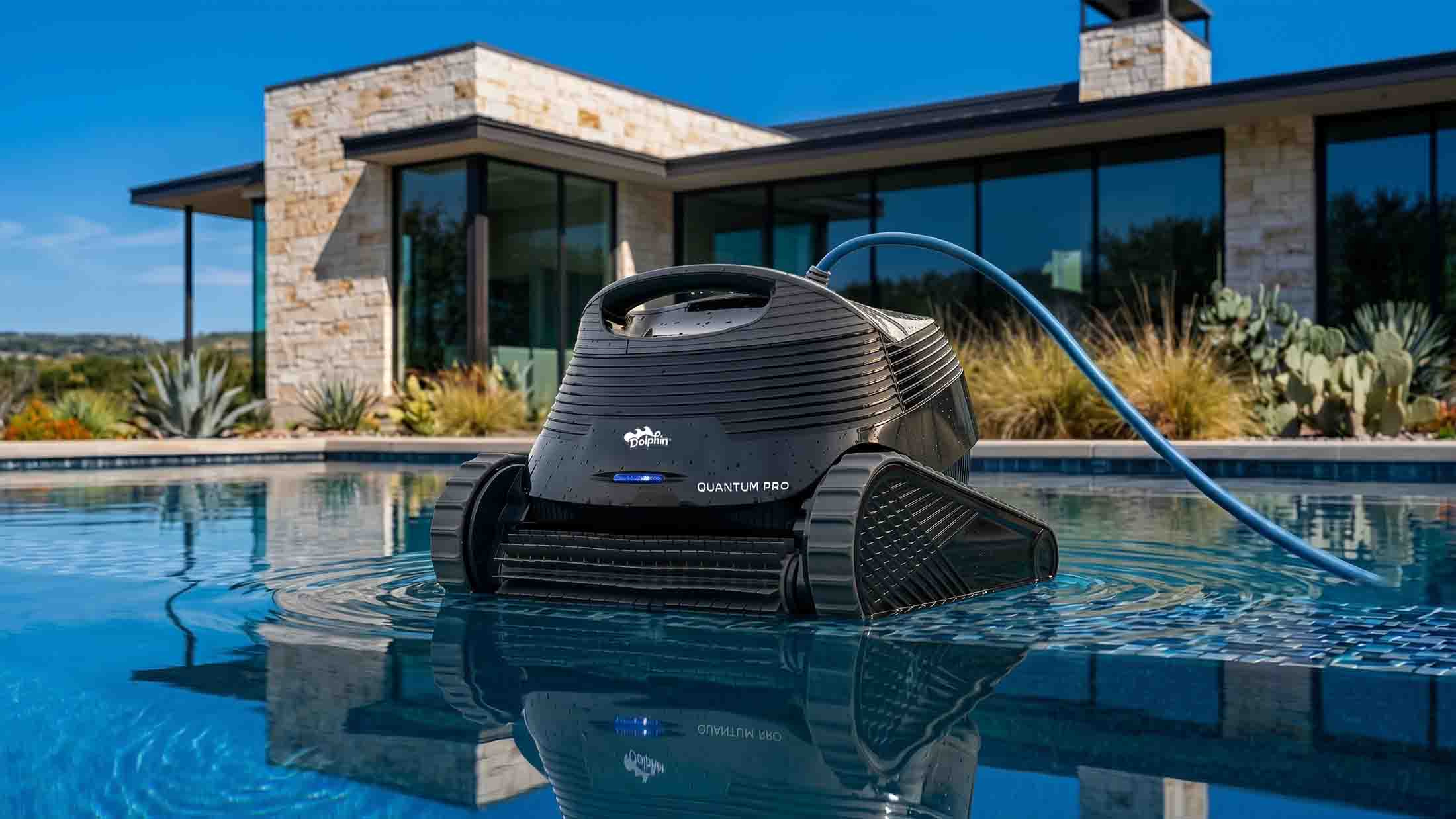
Top pick: Dolphin Quantum
Live prices · Ships free · 30 Day Trial
A timer turns pool cleaning from a chore you remember into something that has already happened. The four timers here are not the same.
The quick answer
The Dolphin Quantum is our pick: its weekly timer sits on the power supply with three presets (every day, every 2 days, every 3 days) and needs no phone, and it can also be scheduled in the app. The Dolphin Premier has the same three-preset timer and a 3-year warranty. The Dolphin Sigma schedules by day and time in its app. The Dolphin Cayman has one setting: every day.
Most pools get dirty on a schedule: leaves in the afternoon wind, dust after the mower, pollen every morning in spring. Most robots get run on a different schedule, the one where someone remembers. A robotic pool cleaner with a weekly timer closes that gap. You choose how often it should clean, once, and from then on the cycles start themselves.
Of the five Dolphins compared here at QuantumRobotic.com, four have a timer as standard, and the details differ more than a spec list suggests. Two have a button on the power supply with three intervals. One is scheduled from a phone. One has a single setting. This page sets them side by side and is clear about the one job no timer does for you: emptying the filter.
The picks, ranked
Four robots with a timer in the box, ranked.
$1999$1599Save $400 off the list price
Temporarily out of stock
Pick 1: Timer on the power supply, plus an app
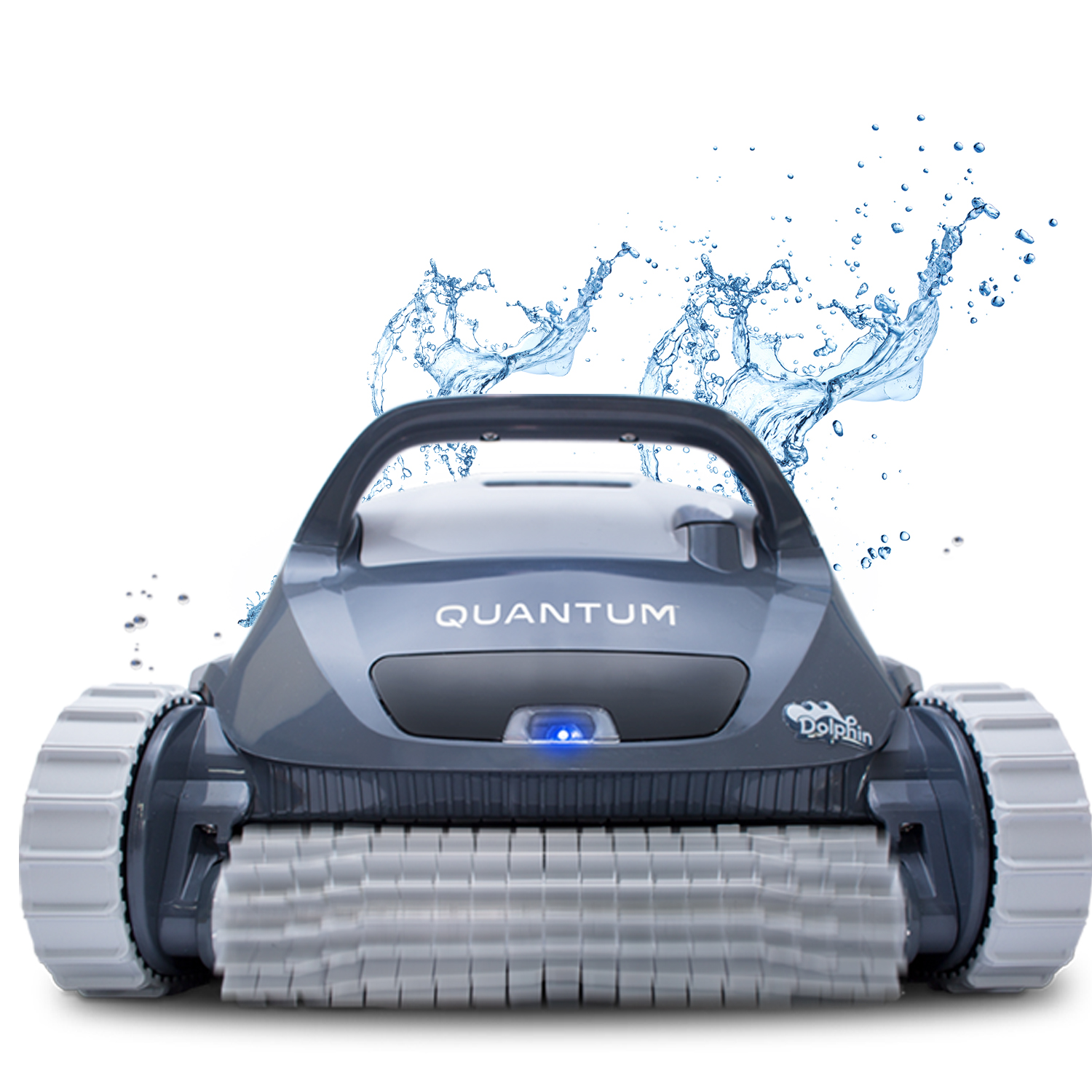
Dolphin Quantum
The Quantum gives you the timer two ways. On the power supply, the weekly timer offers every day, every 2 days or every 3 days, and it works with no phone and no Wi-Fi. If you would rather set things from the couch, the myDolphin Plus app schedules the robot over Wi-Fi.
Its hardware suits unattended running. The cycle is 2 hours, the shortest of the three 50 ft robots here, and the XXL MaxBin has over 400 square inches of filter area, which gives timed cycles more room before the basket needs emptying.
- Best for
- Owners who want a no-phone timer today and the option of app scheduling later.
- The trade-off
- The warranty is 2 years, where the next two picks carry 3. The app needs home Wi-Fi at the power supply; the timer does not.
$2499$1949Save $550 off the list price
Temporarily out of stock
Pick 2: Simplest set-and-forget timer
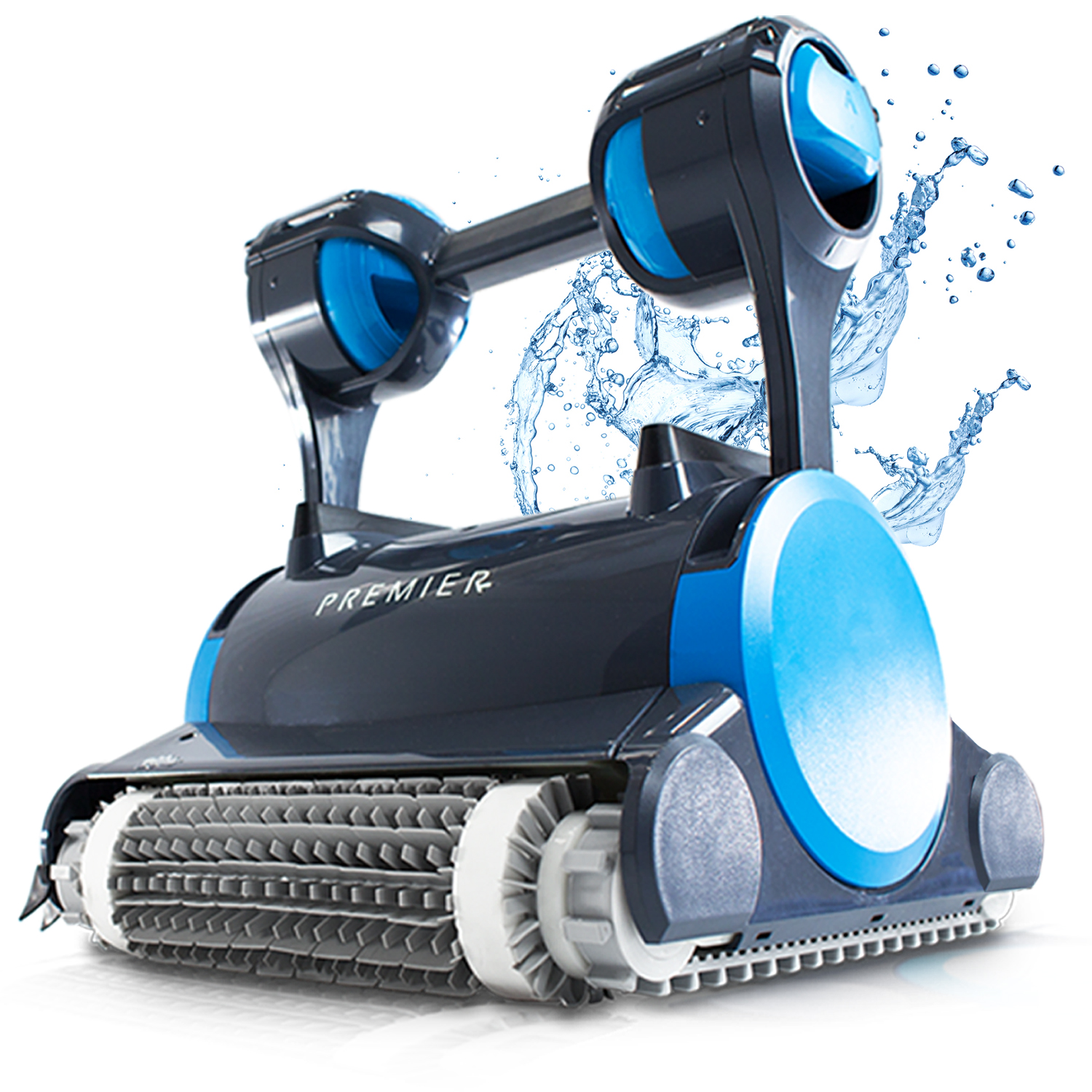
Dolphin Premier
If the goal is to press one button in May and not think about it again, the Premier is the purest version of that. Its weekly timer is on the power supply with the same three presets, and there is nothing else to configure: no app, no pairing, no password.
A full-filter indicator on the power supply shows when it needs emptying. Multi-Media filtration lets you fit the oversized leaf bag for fall, when a timed robot fills fastest. The cycle is 3 hours, the longest here, and the warranty is 3 years.
- Best for
- Households that do not want a phone involved, and pools with a heavy leaf season.
- The trade-off
- No way to start or reschedule it remotely. A 3-hour cycle every day is a lot of running.
$2999$2349Save $650 off the list price
Temporarily out of stock
Pick 3: A weekly calendar, set from your phone
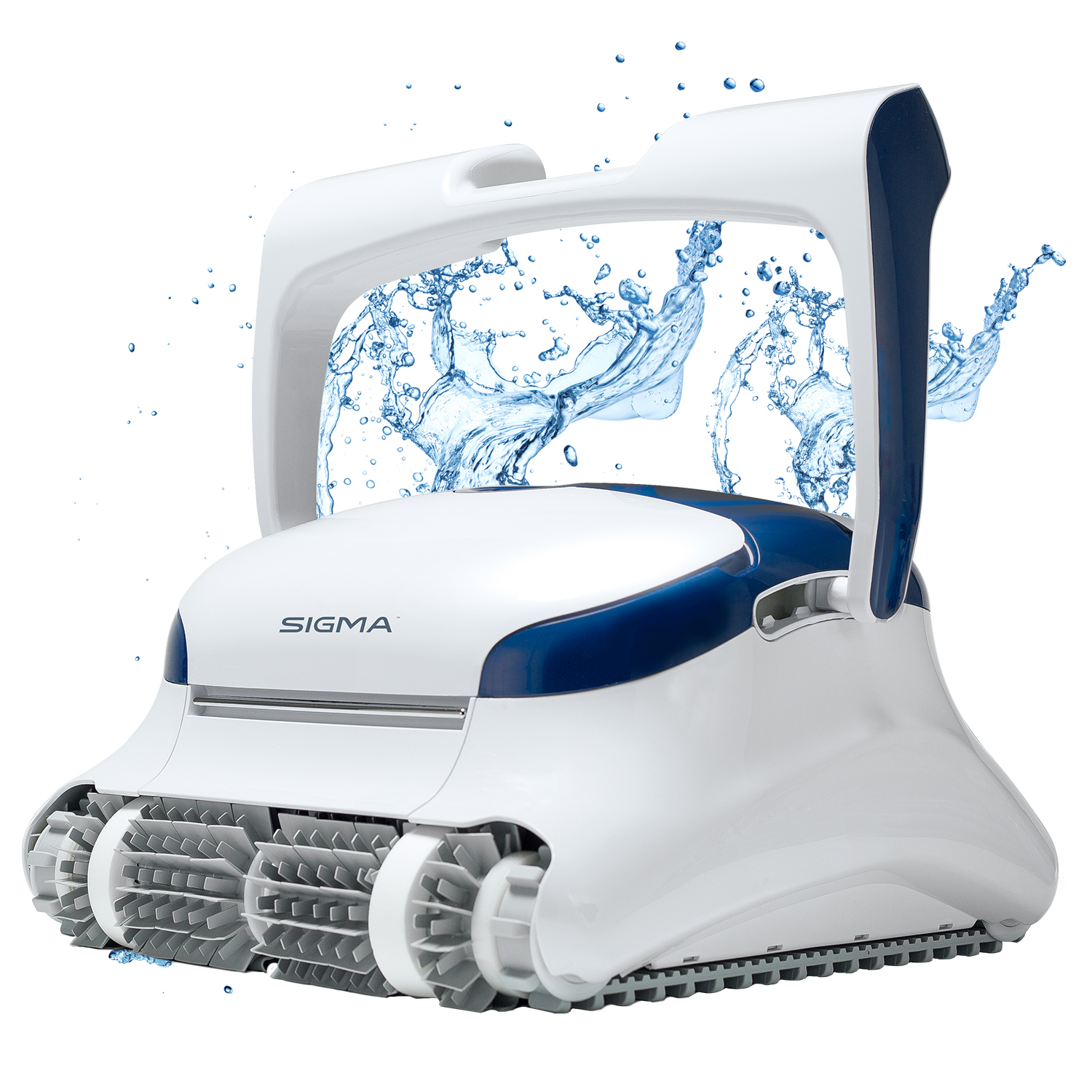
Dolphin Sigma
The Sigma treats the week as a calendar. Its scheduler, in the myDolphin Plus app over Wi-Fi and Bluetooth, sets cycles by day and time: Monday, Wednesday and Saturday at an hour you choose, where an interval timer can only count days. The app also raises a filter alert, so you empty it when it needs it.
It is third on a page about timers because the schedule lives in the app. If you want a button on the power supply and no phone, the first two picks are simpler. It is also the highest-priced robot here.
- Best for
- Owners who want specific days and times and are comfortable running the pool from a phone.
- The trade-off
- Scheduling is done in the app, not with a preset button. Highest price on the page, and 24.6 lb to lift.
$1299$1049Save $250 off the list price
Temporarily out of stock
Pick 4: One setting: a cycle every day
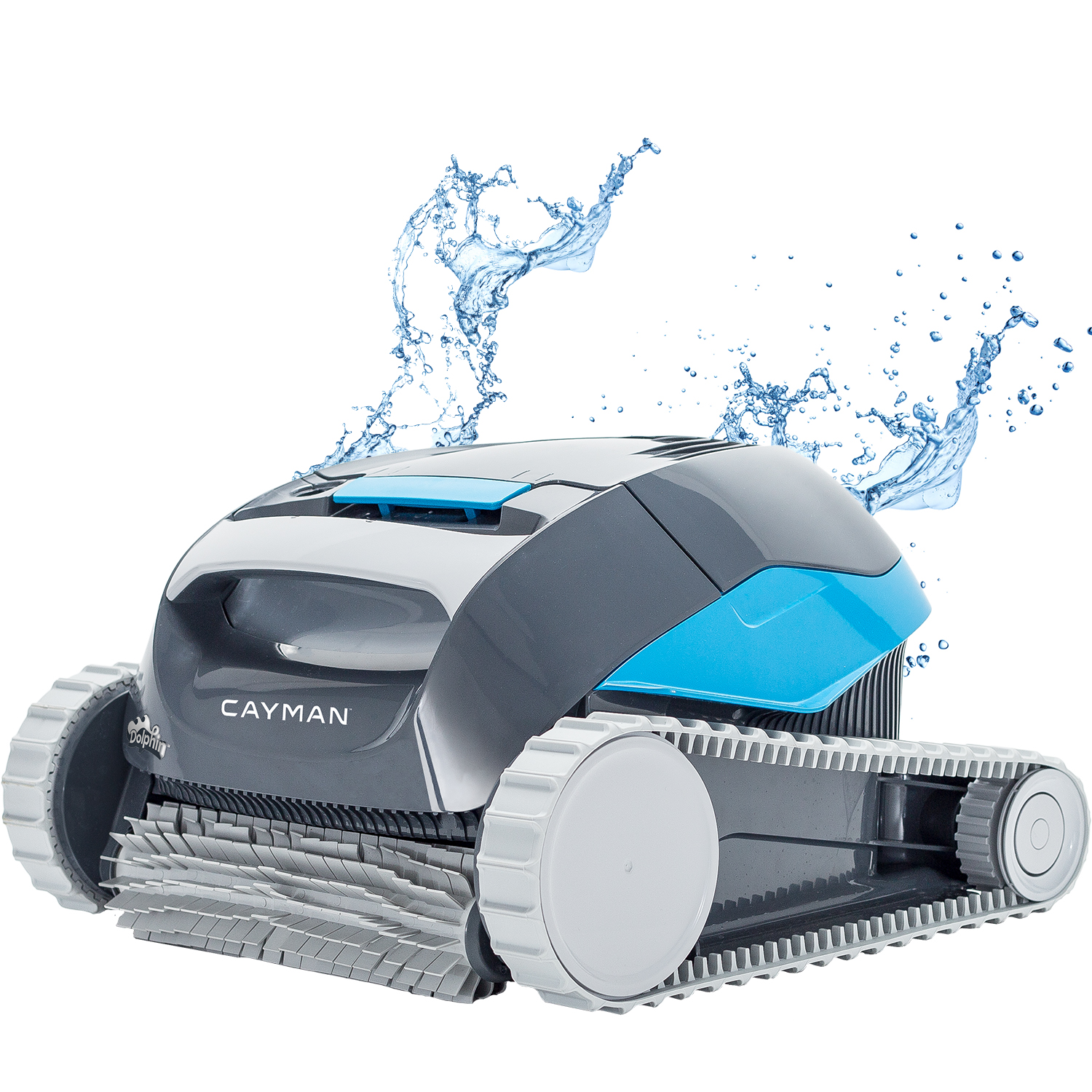
Dolphin Cayman
The Cayman's timer does one thing. Switch it on at the power supply and the robot runs a 2-hour cycle every day; switch it off and you start cycles by hand.
It is the timer pick for smaller pools: rated for in-ground and above-ground pools up to 33 ft, 14.6 lb, with a top-hatch MaxBin that is 50% larger than standard Dolphin filters. Daily running in a small pool keeps debris from building up, and it means the basket should be checked more than once a week in leaf season.
- Best for
- Pools up to 33 ft, in-ground or above-ground, whose owners want daily cleaning and nothing to set.
- The trade-off
- Every day is the only timer setting. It stops below the waterline, has no app, and its 50 ft cable has no swivel.


Side by side
Timers and schedules compared.
| Specification | Dolphin Quantum | Dolphin Premier | Dolphin Sigma | Dolphin Cayman |
|---|---|---|---|---|
| Price today | $1599 | $1949 | $2349 | $1049 |
| Cleans | Floor, walls, waterline, sun shelves and stairs | Floor, walls and waterline | Floor, walls and waterline | Floor and walls |
| Scheduling | Weekly timer: every day, every 2 days or every 3 days | Weekly timer: every day, every 2 days or every 3 days | Weekly scheduler by day and time | Timer: every day |
| App | myDolphin Plus (Wi-Fi) | No app; controls on the power supply | myDolphin Plus (Wi-Fi and Bluetooth) | No app; controls on the power supply |
| Filtration | XXL MaxBin basket with standard and NanoFilter panels | Multi-Media: NanoFilters, oversized leaf bag and standard fine filters | NanoFilters and standard filter cartridges | MaxBin basket with fine panels; NanoFilter panels optional |
| Brushes | Dual HyperBrush | Dual scrubbing brushes | Quad scrubbing brushes | HyperBrush |
| Navigation | SmartNav 2.0 | SmartNav 2.0 | SmartNav 3.0 with gyroscope | SmartNav 2.0 |
| Cable | 55 ft with anti-tangle swivel | 55 ft with 360° anti-tangle swivel | 55 ft with 360° anti-tangle swivel | 50 ft |
| Warranty | 2 years | 3 years | 3 years | 2 years |
What to look for
What to look for in a weekly timer.
-
Where you set it
A timer on the power supply is a button and a light: no phone, no Wi-Fi, no account. A scheduler in an app offers more choice and needs a phone to set up. Neither is better for everyone, but you should know which one you are buying.
-
How many intervals it offers
Three presets, every day, every 2 days and every 3 days, cover a year: daily in leaf or pollen season, less often when the pool is covered or quiet. A timer with one setting is simpler and less flexible. Match the choice to how much your debris load swings.
-
Cycle length
The timer starts the cycle; the robot decides how long it runs. Multiply the cycle length by the number of cycles in a week and you know how many hours the robot is working, and how quickly its filter fills.
-
Filter capacity between visits
A timer changes your job from starting the robot to emptying it. The larger the filter, the longer the robot can run unattended before the flow drops. A full-filter warning, on the power supply or in an app, tells you when you have waited too long.
What a week looks like on each setting.
The presets on the Quantum and Premier are intervals, not days of the week, so the weekly count shifts a little from one week to the next. The table shows what each setting works out to. A sensible pattern is every 2 days through the swimming season, every day while trees are dropping, and every 3 days when the pool is quiet. The Cayman is always on the first row. The Sigma is the exception: it is scheduled by day and time in its app, so you choose the rows yourself.
| Setting | Cycles in a week | Suits |
|---|---|---|
| Every day | 7 | Leaf season, pollen, pools under trees, heavy swimming |
| Every 2 days | 3 or 4 | An ordinary swimming-season week |
| Every 3 days | 2 or 3 | Covered pools, cool months, light use |
What you still do when the robot runs itself.
A timer starts cycles. It does not empty the filter, and a robot with a full filter keeps running while collecting less and less. Plan on lifting the robot out to empty and rinse the filter at least weekly, and more often in leaf season.
Robots with a timer are made to stay in the water between scheduled cycles, so there is no need to haul one out after each run. Do take it out before shocking the pool or adding chemicals, and if the pool will sit unused for a long stretch, store the robot out of the water and out of direct sun. One more check: the power supply has to stay plugged in and powered for the timer to count, so keep it off any outlet that a wall switch or the pump's time clock turns off.
Setting up a timer so it works all season.
- Start on every 2 days if your timer offers it. Check the filter after the first week and adjust according to how full it was.
- Pick one day a week as filter day and tie it to something you already do, such as testing the water.
- Place the power supply where you can see its lights from the house, on an outlet that is always live.
- Turn the timer off and lift the robot out before any shock treatment, then turn it back on when the water is ready for swimming.
- Before a trip, empty the filter and choose the longest interval your timer offers, so the filter is not full by midweek.
Questions, answered
Weekly timer questions.
Does a robotic pool cleaner with a weekly timer need Wi-Fi?
Not on three of the four picks. The Quantum, Premier and Cayman timers are set on the power supply and need no phone, app or Wi-Fi. The Sigma is the exception: its weekly scheduler is in the myDolphin Plus app. The Quantum offers app scheduling over Wi-Fi too, but that is an addition; its power-supply timer works on its own.
Why doesn't the Dolphin Escape come with a timer?
The Escape is the lowest-priced Dolphin compared here and ships with a standard power supply: you press start for each cycle. An Automation Timer power supply is an optional upgrade that repeats a cycle every 24, 48 or 72 hours. If you know you want timed cleaning from day one, compare that total with a robot whose timer is included.
What time of day does a timed cycle start?
That depends on the model. On a preset timer, the choice you make is the interval, not a clock time, so check the manual for how the start time is fixed. If a particular hour matters, for example overnight, the Sigma's app scheduler sets day and time, and the Quantum can be scheduled in its app as well.
Will running every day wear the robot out faster?
More hours mean more wear on brushes and tracks, which are replaceable wear parts. The warranties on all four picks are described as not prorated and not limited by cycle count, so daily use does not shorten the coverage. If your timer offers a longer interval and the pool stays clean on it, there is no reason to run more often.
The bottom line
Which timer to buy.
Choose by how you want to set it. For a button on the power supply with three intervals, buy the Quantum. Choose the Premier in its place if a leaf bag, a full-filter light and a longer warranty matter more to you than phone control. For chosen days and hours, buy the Sigma and accept that the phone is the control panel. For a pool up to 33 ft and a single every-day routine, the Cayman is enough. Then pick a filter day and keep it.
More buying guides
