



By feature
The best robotic pool cleaner with automatic scheduling, and when timing matters.
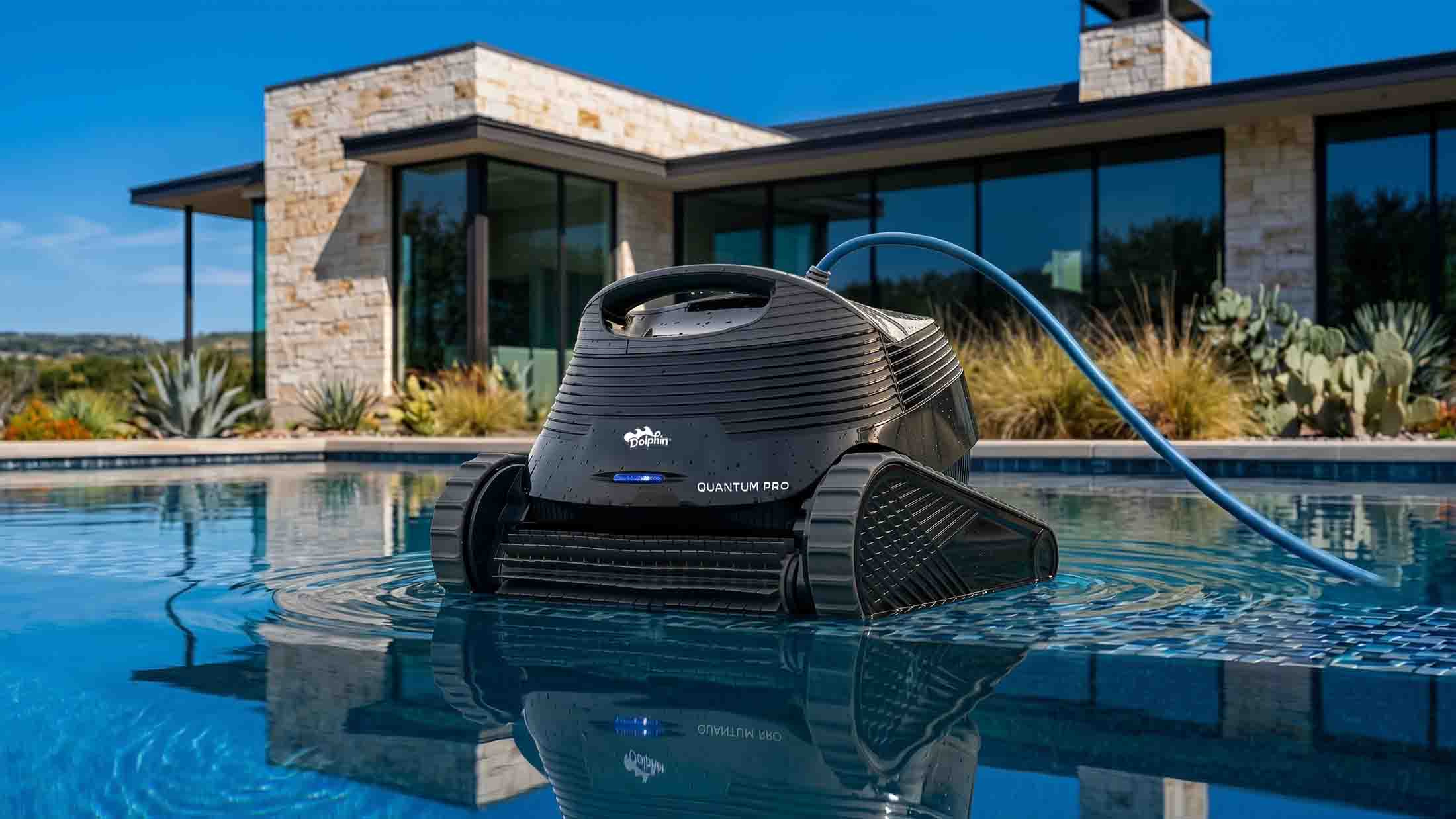
Top pick: Dolphin Quantum
Live prices · Ships free · 30 Day Trial
How often a robot runs is one decision. When it runs is another, and only some robots let you make it.
The quick answer
The Dolphin Quantum is our pick for automatic scheduling: it can be scheduled in the myDolphin Plus app over Wi-Fi, and it has a three-preset timer on the power supply as a no-phone fallback. Choose the Dolphin Sigma if you want a weekly scheduler described as by day and time, with Bluetooth too. The Dolphin Premier and Dolphin Cayman repeat on a fixed interval, with no app.
There are two questions hiding in the word scheduling. The first is how often the robot should clean, which any repeat timer answers. The second is when: at what hour, on which days, before or after what else happens in the pool. That second question is what separates a robotic pool cleaner with automatic scheduling from one with a simple interval button.
Timing matters more than it sounds. A cycle that runs while the pump is off picks up what has settled. A cycle the night before guests arrive means a clean floor at breakfast. A cycle a few hours after the walls are brushed collects what the brushing knocked down. Of the five Dolphins compared here at QuantumRobotic.com, two can be scheduled from an app, two repeat on a preset, and one has no timer unless you add one.
The picks, ranked
Four ways to automate a cleaning schedule, ranked.
$1999$1599Save $400 off the list price
Temporarily out of stock
Pick 1: App scheduling with a physical timer behind it
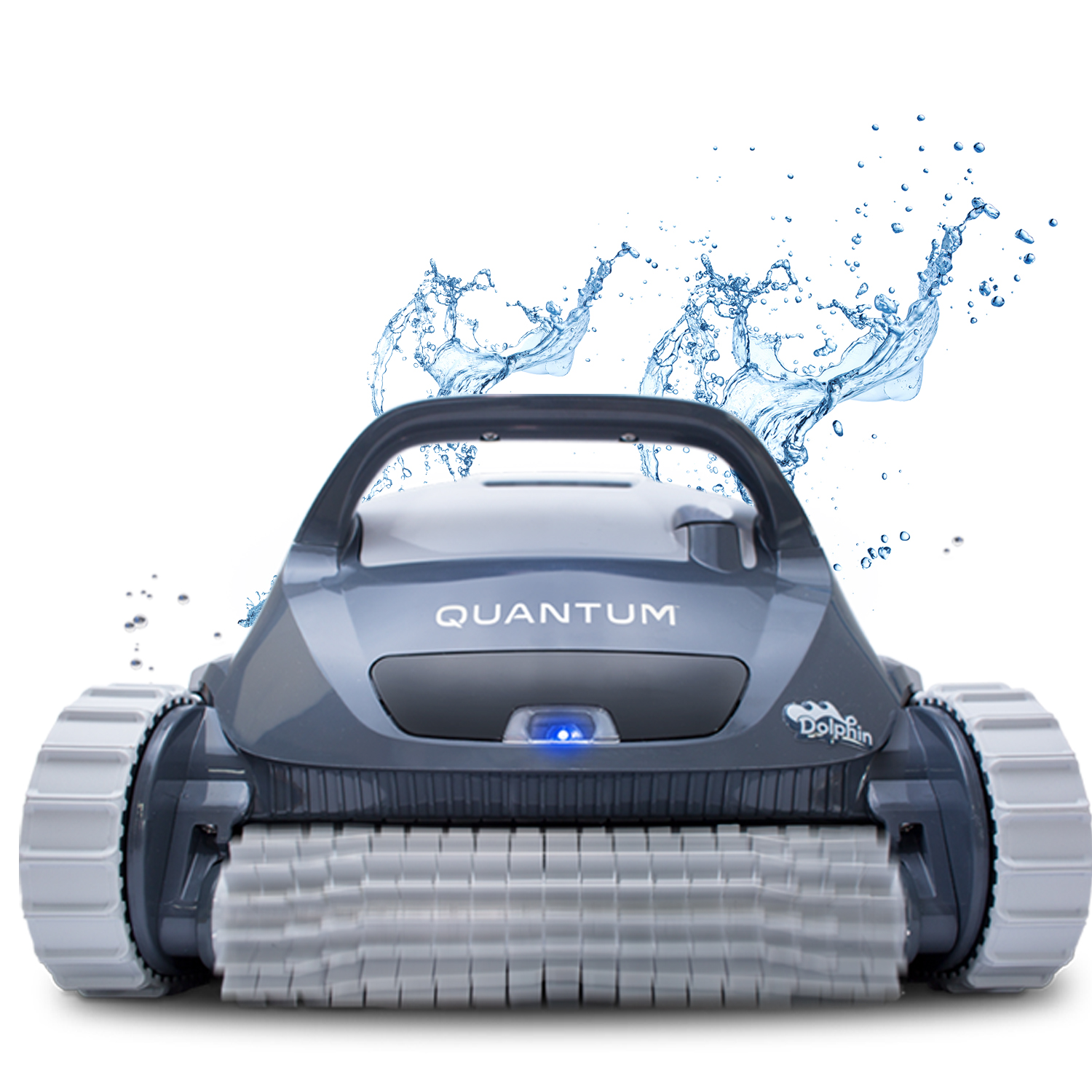
Dolphin Quantum
The Quantum is the one robot on this page that schedules both ways. In the myDolphin Plus app, over Wi-Fi, you can start and stop the robot, set a schedule and receive alerts. On the power supply, a weekly timer repeats a cycle every day, every 2 days or every 3 days with no phone at all. If the Wi-Fi drops or the phone is replaced, the pool still gets cleaned.
It is also the lowest-priced of the three 50 ft robots here, with a 2-hour cycle that fits inside an overnight window.
- Best for
- Owners who want to schedule from a phone and still have a button to fall back on.
- The trade-off
- The app works over Wi-Fi, so the signal has to reach the power supply. The warranty is 2 years.
$2999$2349Save $650 off the list price
Temporarily out of stock
Pick 2: Day-and-time scheduler, Wi-Fi and Bluetooth
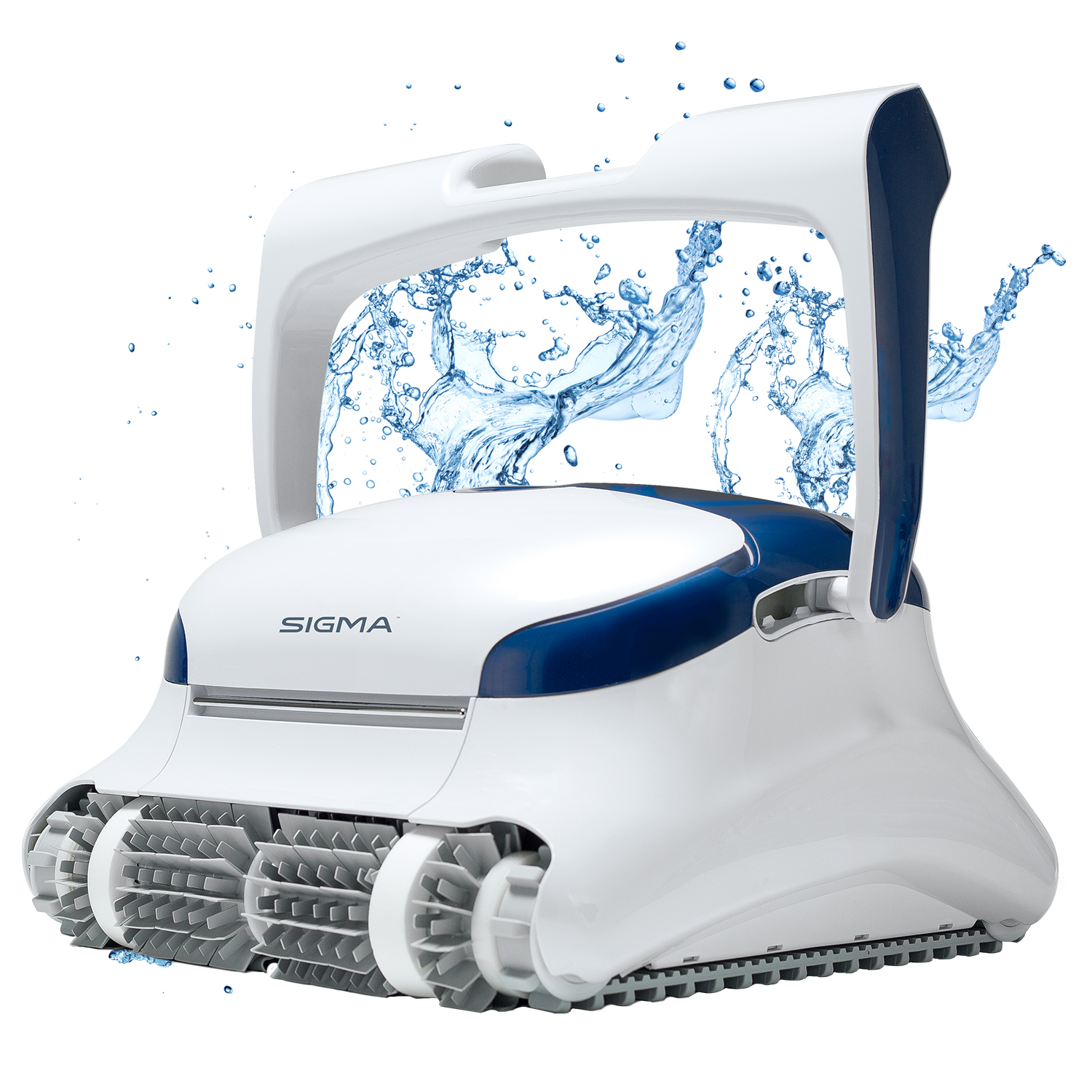
Dolphin Sigma
On scheduling features alone, the Sigma is the most complete robot here. Its weekly scheduler in the myDolphin Plus app sets cycles by day and time, so the robot runs at the hour you choose on the days you choose. The app connects over Wi-Fi and Bluetooth, so you can still reach the robot poolside when the home network does not stretch to the equipment pad.
It is second because all of that comes at the highest price on the page, and because the schedule lives in the app.
- Best for
- Owners who want exact days and hours, or whose Wi-Fi does not reach the pool equipment.
- The trade-off
- Highest price here, and scheduling depends on the phone. At 24.6 lb it is the heaviest robot on the page to lift.
$2499$1949Save $550 off the list price
Temporarily out of stock
Pick 3: Preset repeat timer, nothing to pair
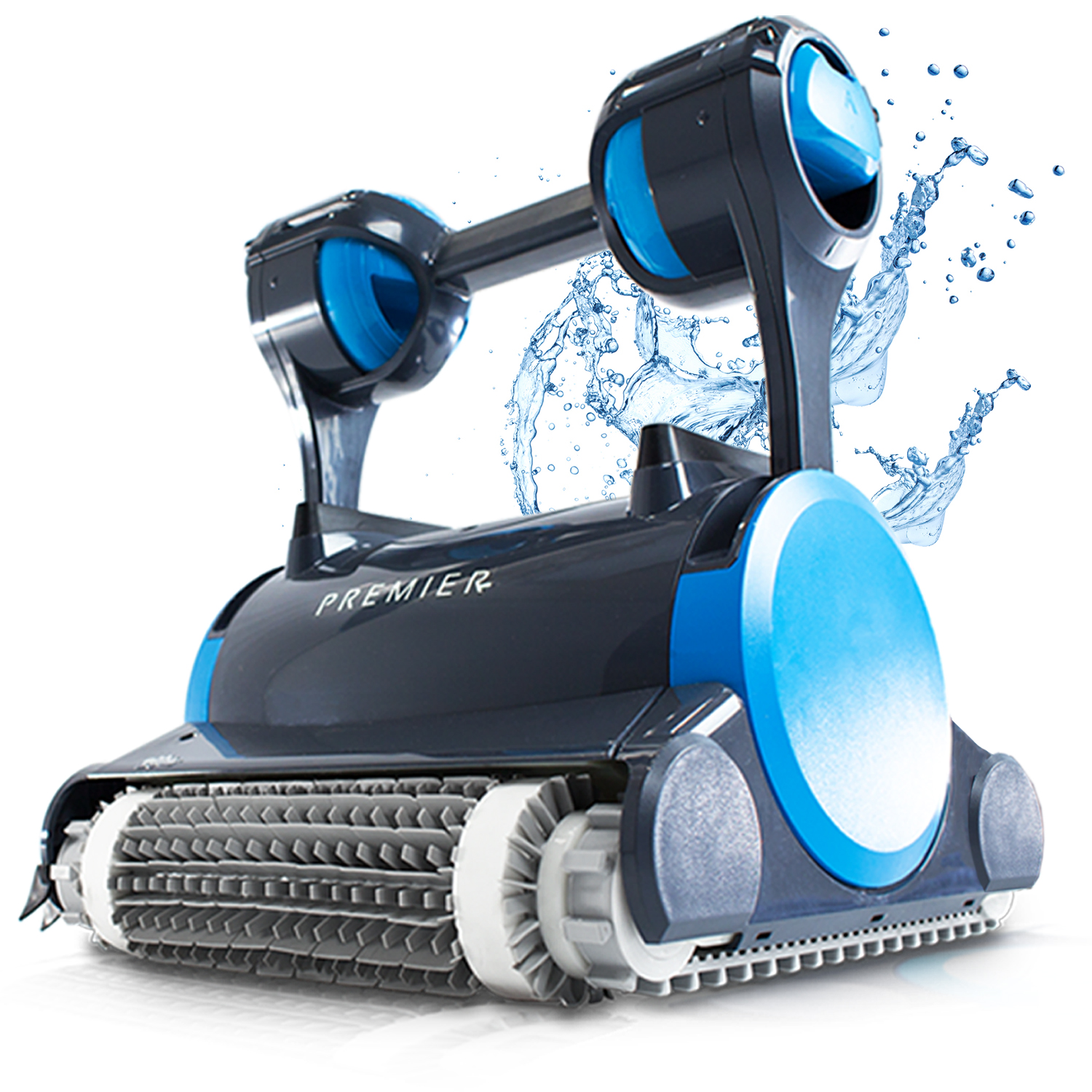
Dolphin Premier
The Premier automates the simple way. Its weekly timer on the power supply repeats a cycle every day, every 2 days or every 3 days, and that is the whole interface. You do not choose a clock time or particular weekdays.
For many pools that is enough, and the rest of the robot is built for long unattended stretches: Multi-Media filtration with a leaf bag and NanoFilters included, a full-filter indicator on the power supply, a 3-hour cycle and a 3-year warranty. It is third here only because this page is about choosing days and times.
- Best for
- Owners who want cleaning to repeat reliably and do not need to pick the hour.
- The trade-off
- No app, no day-and-time scheduling and no remote start. Check the live price on the card.
$1299$1049Save $250 off the list price
Temporarily out of stock
Pick 4: Daily repeat for pools up to 33 ft
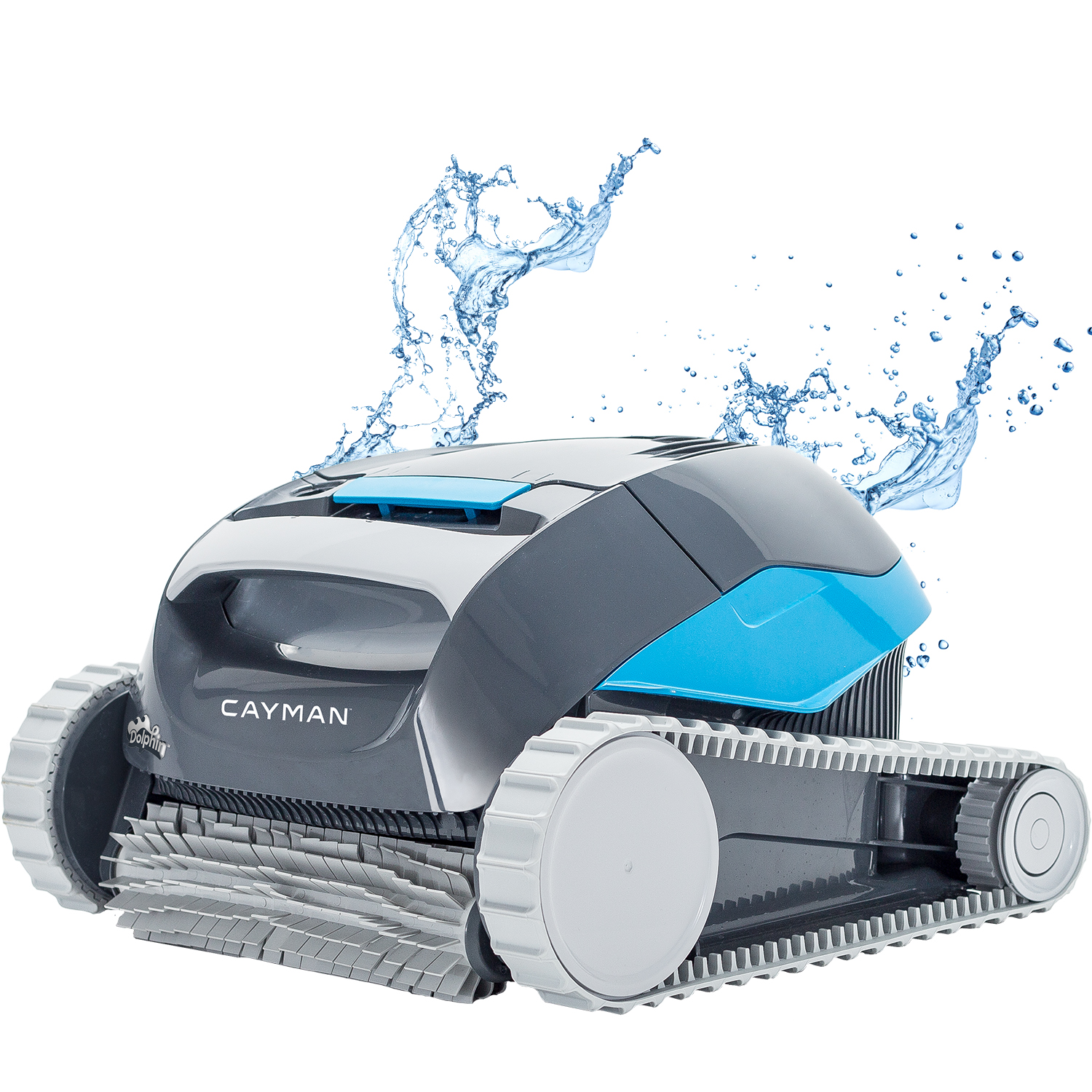
Dolphin Cayman
The Cayman's automation is one switch. With the timer on, it runs a 2-hour cycle every day; with it off, you start each cycle yourself. There are no intervals, no weekdays and no app. For a small pool that is often all the schedule anyone needs.
It is rated for in-ground and above-ground pools up to 33 ft, weighs 14.6 lb and cleans the floor and walls. If your pool is longer than that, or you want to choose days, look at the three picks above.
- Best for
- Smaller in-ground and above-ground pools where a clean floor every morning is the whole plan.
- The trade-off
- One setting, every day, and no way to choose the hour from a phone. It stops below the waterline.


Side by side
Scheduling features compared.
| Specification | Dolphin Quantum | Dolphin Sigma | Dolphin Premier | Dolphin Cayman |
|---|---|---|---|---|
| Price today | $1599 | $2349 | $1949 | $1049 |
| Cleans | Floor, walls, waterline, sun shelves and stairs | Floor, walls and waterline | Floor, walls and waterline | Floor and walls |
| Scheduling | Weekly timer: every day, every 2 days or every 3 days | Weekly scheduler by day and time | Weekly timer: every day, every 2 days or every 3 days | Timer: every day |
| App | myDolphin Plus (Wi-Fi) | myDolphin Plus (Wi-Fi and Bluetooth) | No app; controls on the power supply | No app; controls on the power supply |
| Filtration | XXL MaxBin basket with standard and NanoFilter panels | NanoFilters and standard filter cartridges | Multi-Media: NanoFilters, oversized leaf bag and standard fine filters | MaxBin basket with fine panels; NanoFilter panels optional |
| Brushes | Dual HyperBrush | Quad scrubbing brushes | Dual scrubbing brushes | HyperBrush |
| Navigation | SmartNav 2.0 | SmartNav 3.0 with gyroscope | SmartNav 2.0 | SmartNav 2.0 |
| Cable | 55 ft with anti-tangle swivel | 55 ft with 360° anti-tangle swivel | 55 ft with 360° anti-tangle swivel | 50 ft |
| Warranty | 2 years | 3 years | 3 years | 2 years |
What to look for
What separates a schedule from a timer.
-
Choosing the time, not just the interval
An interval timer counts days: every day, every 2 days, every 3 days. A scheduler lets you place cycles on the week. If you care about the hour a cycle runs, or which days it skips, look for scheduling in an app.
-
Changing it without walking outside
Plans change: a party on Saturday, a storm on Tuesday. With app control you can add a cycle or stop one from indoors. With a power-supply timer you walk to the pool. Think about how often your week changes before paying for one or the other.
-
A fallback when the phone or Wi-Fi fails
App scheduling depends on a phone and, for Wi-Fi, a signal at the power supply. A robot that also has a physical timer keeps cleaning when the router is replaced or the phone is lost. One robot on this page has both.
-
Knowing the filter is full
A schedule you never look at can run all week on a full filter. Alerts are the other half of automation. The Sigma raises a filter alert in its app, the Premier shows a full-filter indicator on its power supply, and the Quantum's app sends alerts without naming a filter one.
Three times a schedule earns its keep.
Exact timing pays off in three situations.
- Overnight. A cycle that ends before sunrise leaves the floor clean when the pool is first used, and the robot is idle while people swim.
- While the pump is off. The robot has its own motors and does not need the pool pump. In still water, fine debris settles on the floor, where the robot can collect it.
- After the service visit. Brushing sends dust down the walls, and a cycle a few hours later picks it up. If the tech adds chemicals, the robot should be out of the pool for the visit and go back in when the water is ready.
What an app schedule depends on.
App scheduling has more links in the chain than a button. The phone needs the myDolphin Plus app. The power supply has to be within reach of your home Wi-Fi for the Quantum, or within Wi-Fi or Bluetooth range for the Sigma.
Before you buy on the strength of an app, stand where the power supply will sit and check the Wi-Fi signal on your phone. If it is weak, a network extender near the equipment pad usually solves it. If you would rather not depend on any of this, a power-supply timer needs no phone at all.
What no schedule does.
A schedule starts the robot. It does not lift it out, empty it, or know that you shocked the pool this morning. A scheduled robot is made to stay in the water between cycles, but its filter still needs emptying and rinsing at least weekly, more in leaf season, and the robot has to come out before chemicals go in. When the pool will sit unused for a long stretch, pause the schedule and store the robot dry and out of the sun.
Building a schedule that fits your week.
- Write down when the pool is used, when the pump runs and when the service comes. Put the cycles in the gaps.
- If your robot lets you choose days, begin with three cycles a week and adjust after two weeks.
- Set a recurring reminder for filter day. A schedule hides how long it has been since the last rinse.
- Pause the schedule, in the app or at the power supply, before shocking the pool, and lift the robot out.
Questions, answered
Scheduling questions.
What is the difference between a weekly timer and automatic scheduling?
A weekly timer repeats a cycle at a fixed interval and is usually a button on the power supply. Automatic scheduling, in the fuller sense, means choosing days and times, which is done in an app. The Premier and Cayman offer the first kind only. The Sigma offers the second. The Quantum offers both.
Can a robotic pool cleaner with automatic scheduling run while the pool pump is off?
Yes, and it is often the better time. The robot is self-contained: its own motors, its own filter, its own power supply. It does not use the pool's pump or plumbing. With the pump off the water is still, and fine debris settles where the robot can reach it.
Should the robot be scheduled to run at night?
Night suits most households: nobody is swimming, the pump is often off, and the floor is clean by morning. With an app schedule you can pick the hour. With a preset timer the choice is the interval, so check the manual for how the start time is fixed.
Does an app schedule keep running when I am away from home?
The schedule runs without you once it is set. Changing it from somewhere else depends on Wi-Fi: the Quantum and Sigma both connect over home Wi-Fi, which is what makes control from a distance possible. Nobody empties the filter remotely, so arrange that before a long trip.
Can the Dolphin Escape be put on a schedule?
Not as it ships. The Escape has no timer as standard and no app; you press start for each cycle. An optional Automation Timer power supply adds a repeat every 24, 48 or 72 hours, which is interval timing, not day-and-time scheduling.
The bottom line
The scheduling decision.
Ask how much of the week you want to control. If the answer is which days and what hour, you need app scheduling: the Quantum for most pools, the Sigma when you want the day-and-time scheduler, Bluetooth or the longer warranty. If the answer is simply often enough, a repeat timer does it: the Premier with three intervals, or the Cayman every day in a pool up to 33 ft. In every case, the schedule runs the robot and you still run the filter.
More buying guides
